Framework that is simplebloatware-freeblazing fasttype-safelightweightdeveloper-friendly
Buntal JS is a wrapper of Bun and React. With Next.js-like file system routing, without the forever-loading app router.
bun create buntal@latest my-app


Ultra-lightweight framework without bloatware
Buntal JS is a lightweight solution (~30 kB unpacked) for building REST APIs and full-stack web apps, achieved by minimizing unnecessary dependencies.
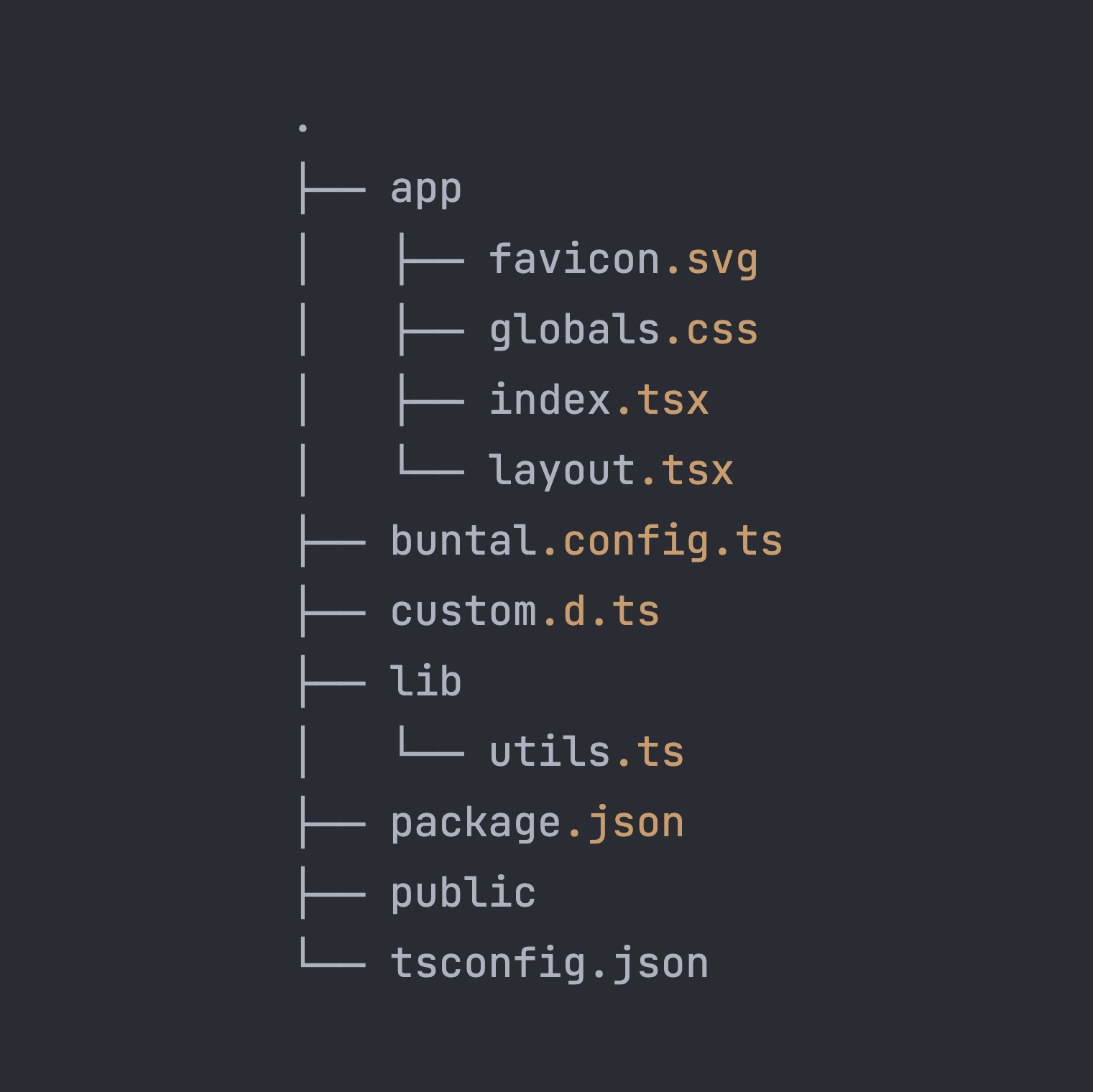
SSR, SPA, file-based routing, and more
Everything out of the box. Building web apps without headaches.
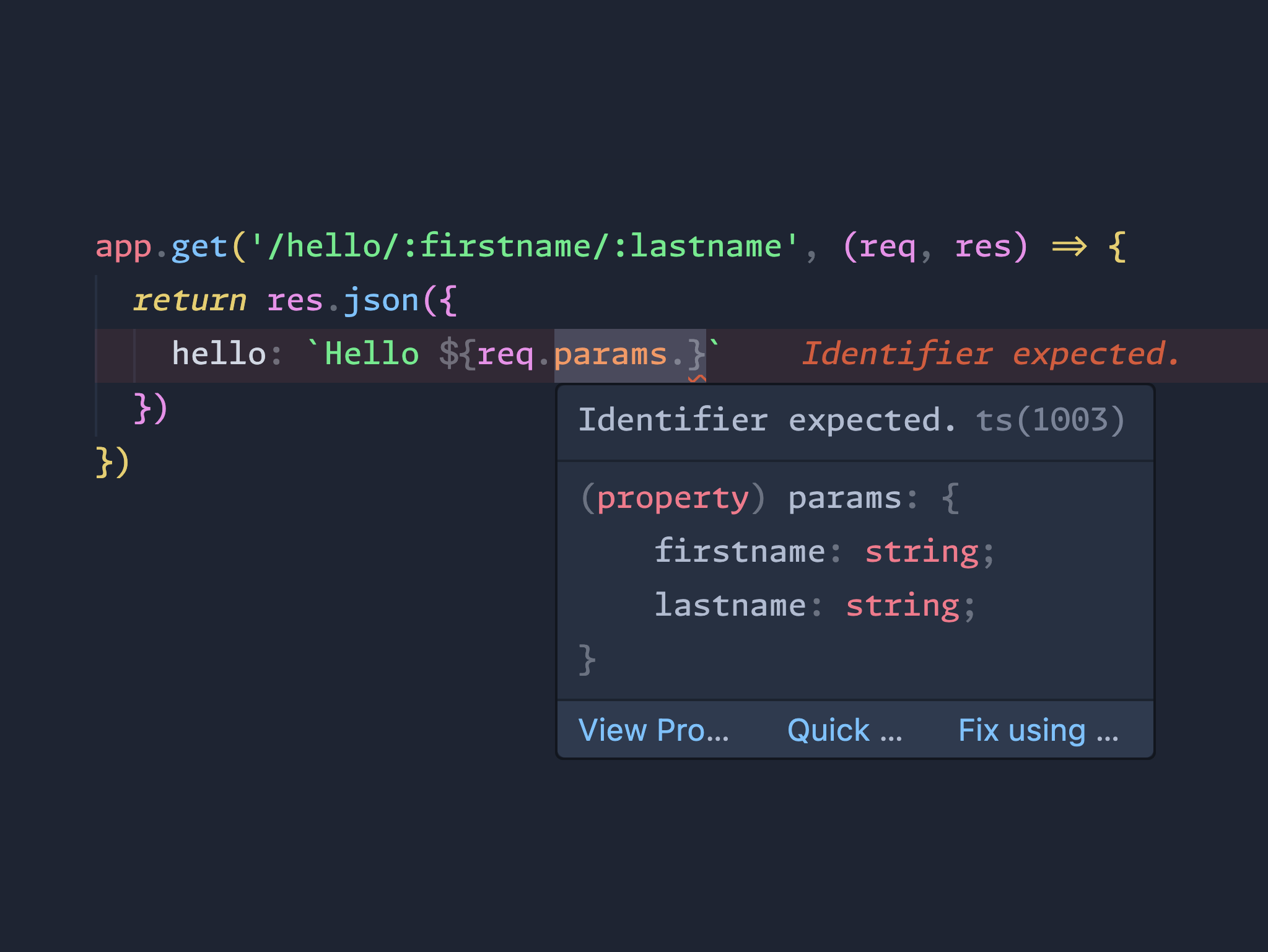
Blazing fast & type-safe by default
Built on Bun's native HTTP server, known for its speed and reaching > 2k RPS. Also written in TypeScript with strictly typed parameters, ensuring robust and reliable code.
Pure Speed
Pure SpeedPure Speed
Natively fast without Go
reqs/sec
@buntal/core
bun
2099.56
Elysia
bun
2096.58
Gin
go
1987.36
Express.js
node
1376.42
FastAPI
uvicorn
835.90
*) Tested on MacBook M1 Pro in June 2025.
Run the benchmark script here.
Build anything with your AI agent
Pick what you want to build, copy the prompt, and paste it into Claude Code, Cursor, Copilot or any coding agent. Every prompt points the agent at /llms.txt so it writes real Buntal code.
Landing page
Marketing site with hero, features, pricing and a waitlist.
- Single page at / with sections: hero with primary CTA, social proof, features grid, pricing table (3 tiers), FAQ accordion, footer.
- Waitlist form that POSTs to app/api/waitlist/index.ts; validate the email server-side and store it with Bun.SQL (SQLite in data/app.db).
- Full SEO via $ and _meta: title, description, Open Graph and Twitter card tags, plus public/robots.txt.
- Smooth in-page anchor navigation with <Link href="#pricing">.
- Lighthouse-friendly: no layout shift, lazy-loaded images, system or Google fonts preconnected in the layout.
Show full prompt
Build a landing page with Buntal JS: Marketing site with hero, features, pricing and a waitlist.

You are building a web app with Buntal JS, a full-stack React framework for Bun.
Before writing code, read https://buntaljs.org/llms.txt and https://buntaljs.org/llms-full.txt (including its Best practices section) and follow them exactly. Do not use Next.js, Remix or Express APIs; Buntal only looks similar.

Setup
- Scaffold with `bun create buntal@latest my-app --template landing`, then work inside that folder.
- Run `bun dev` while developing and `bun run build && bun start` to check production.

Buntal rules
- Pages live in `app/`: `app/<route>/index.tsx` with a default-exported React component. Dynamic segments use `[id]`, catch-all uses `[[...slug]]`.
- `app/layout.tsx` renders <html>, <head> (with <Meta /> and <link rel="stylesheet" href="/globals.css" />) and <body>. Nested folders can have their own layout.tsx.
- Server data goes in `export const $ = async (req) => ...` next to the page. The page receives it as the `data` prop; put SEO fields in `data._meta`. Return a Response from `$` to redirect or deny.
- API routes are `.ts` files under `app/api/` exporting GET/POST/PUT/PATCH/DELETE built with `h()` from `@buntal/http`.
- Use `<Link href>` from `buntal` for internal navigation and `useRouter()` for programmatic navigation.
- Styling is Tailwind CSS v4 in `app/globals.css`. Static files go in `public/`.
- Global middlewares (auth, cors, secureHeaders, logger) go in `buntal.config.ts` under `middlewares`.
- Secrets come from environment variables. Only `BUNTAL_PUBLIC_*` variables reach the browser.

Quality bar
- TypeScript strict, no `any` where a type is known. Run `bunx tsc --noEmit` before finishing.
- Responsive, accessible (semantic HTML, labels, alt text, keyboard focus), light and dark mode.
- SEO on public pages: unique title and description in `_meta`, Open Graph tags, a canonical link, JSON-LD where it fits, `app/sitemap.xml/index.ts` and `public/robots.txt`; `noindex` on private and not-found pages.
- Validate every request body on the server; never trust client input.
- Keep dependencies minimal; prefer Bun built-ins: `Bun.SQL` for the database (SQLite by default, Postgres via DATABASE_URL), Bun.password, Bun.file, Bun.markdown.
- Finish with a short README: what was built, how to run it, required env vars.

Start from the `landing` template: it already has the page structure, a Bun.SQL data layer with migrations, and SEO routes. Read its README, then adapt it rather than rebuilding from scratch.

What to build
- Single page at `/` with sections: hero with primary CTA, social proof, features grid, pricing table (3 tiers), FAQ accordion, footer.
- Waitlist form that POSTs to `app/api/waitlist/index.ts`; validate the email server-side and store it with Bun.SQL (SQLite in `data/app.db`).
- Full SEO via `$` and `_meta`: title, description, Open Graph and Twitter card tags, plus `public/robots.txt`.
- Smooth in-page anchor navigation with `<Link href="#pricing">`.
- Lighthouse-friendly: no layout shift, lazy-loaded images, system or Google fonts preconnected in the layout.

Work in small steps, run the app after each step, and fix every type error and console error before moving on.
More prompts and tips in the Build with AI guide.
TypeScript-checked API routes for safer, faster development.
Map file structure to application routes, similar to Next.js.
Simple configuration and minimal learning curve.
Fast reload and optimized for developer productivity.
Serve static pages or build complex web apps with ease.
Extend HTTP server functionality with type-safe middleware.
Out-of-the-box Tailwind CSS v4 integration with all needed plugins.
Leverage Bun's for maximum throughput and minimal latency.


bun install v1.2.14 (6a363a38)Resolving dependenciesResolved, downloaded and extracted [103]Saved lockfile+ @buntal/[email protected]+ @types/[email protected]+ @types/[email protected]+ @types/[email protected]+ @tailwindcss/[email protected]63 packages installed [2.88s]Blocked 2 postinstalls. Run `bun pm untrusted` for details.Done! 🔥To get started, run: `cd my-app && bun dev`